
In the fast-paced world of digital design and web development, converting SVG to PNG is a common but critical task. Whether you need raster images for websites, presentations, social media, or app assets, having a reliable svg to png online tool saves time and maintains quality.
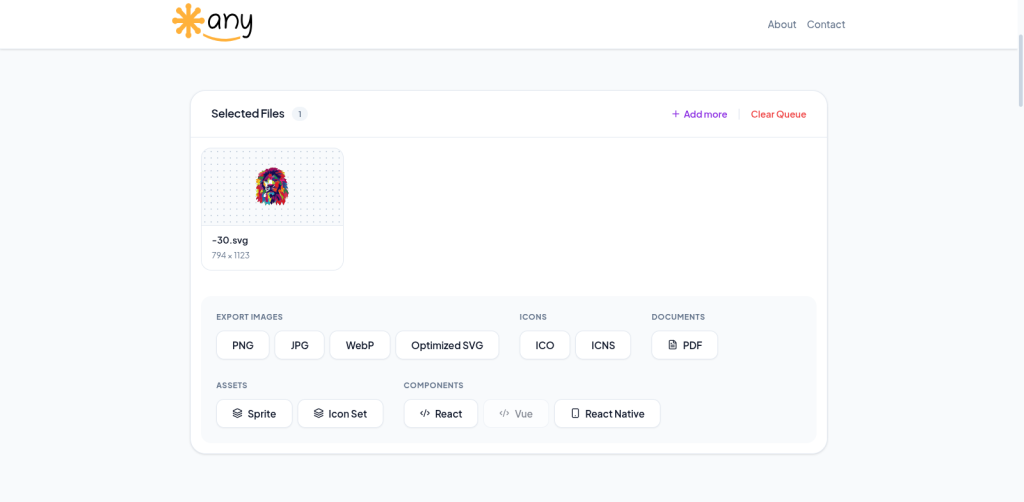
svgtoany is a powerful, client-side svg to png converter that makes batch conversion effortless, secure, and lightning-fast.
Why You Need a Good SVG to PNG Converter
SVG files are excellent for scalable vector graphics, but many platforms and use cases require the raster PNG format. PNG files preserve transparency, deliver excellent image quality, and are widely supported across all devices and software.
svgtoany solves the common problems of traditional converters:
- No server uploads → complete privacy
- Instant browser-based processing
- Full batch support
- Advanced customization options
Key Features of svgtoany for SVG to PNG Conversion
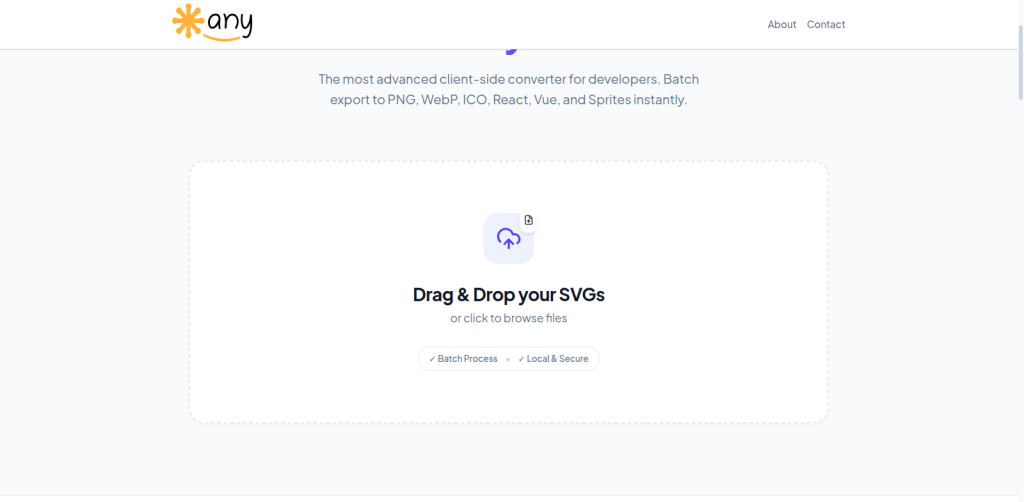
- Intuitive Drag & Drop Interface: Simply drop your SVG files and start converting instantly.
- Batch Processing: Convert dozens of SVG files to PNG in one go.
- Precise Resize Controls: Set exact width and height in pixels.
- Aspect Ratio Lock: Maintain perfect proportions automatically.
- Transparent Background Support: Keep or customize backgrounds as needed.
- Local & Secure Processing: Your files never leave your device.
How to Convert SVG to PNG with svgtoany
- Visit https://svgtoany.com
- Drag and drop your SVG files into the interface
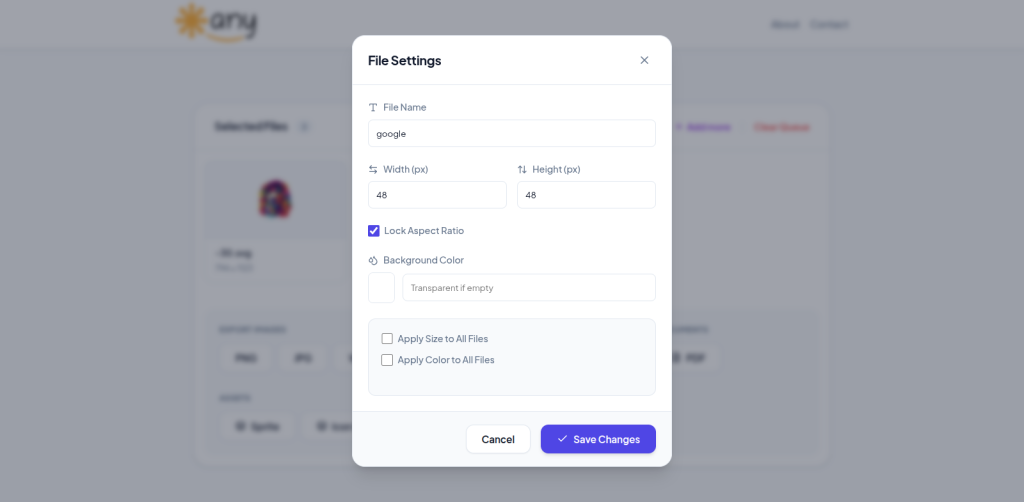
- (Optional) Click on any file to open detailed File Settings
- Adjust dimensions, lock aspect ratio, and set background preferences
- Choose PNG as the export format
- Click Save Changes and export your optimized PNG files
The entire process is smooth and designed for both beginners and power users.
Benefits of Using svgtoany
svgtoany stands out among other svg to png online tools because it combines simplicity with professional-grade features:
- Speed: Client-side conversion is significantly faster than server-based alternatives.
- Quality: Maintains crisp details and perfect transparency from vector sources.
- Privacy: All processing happens locally in your browser.
- Flexibility: Ideal for developers, designers, marketers, and content creators.
- Free to Use: No hidden fees or usage limits for core svg to png functionality.
Popular Use Cases
- Converting icon libraries from SVG to PNG
- Preparing website assets and favicons
- Creating social media graphics
- Generating app and game assets
- Exporting design mockups for client presentations
- Archiving vector files in raster format for broader compatibility
Pro Tips for Best Results
- Always work with clean, well-optimized SVGs
- Use the aspect ratio lock for consistent branding assets
- Test transparent backgrounds for logos and icons
- Combine with image compression tools if needed for web delivery
Conclusion
If you’re looking for the best svg to png converter, look no further than svgtoany at https://svgtoany.com. Its clean interface, powerful customization options, and commitment to privacy make it the go-to tool for professionals and hobbyists alike.
Stop struggling with slow or unreliable converters. Try svgtoany today and experience the easiest way to convert SVG to PNG online.