
SVG (Scalable Vector Graphics) is an XML-based vector image format used to display 2D graphics on the web. Unlike bitmapped images (like JPG or PNG), SVG images can scale infinitely without losing quality.
How SVG Works ?
One of the most fascinating aspects of SVG is that it is fundamentally a text document. SVG is based on XML (Extensible Markup Language), which means it is human-readable and structured very much like HTML.
If you were to open a standard JPEG in a text editor, you would see miles of incomprehensible gibberish. However If you open an SVG file in a text editor, you will see clean, structured code.
Something like
<svg xmlns="http://www.w3.org/2000/svg"  viewBox="0 0 48 48" width="48px" height="48px">
	<path fill="#FFC107" d="M17 6L31 6 45 30 31 30z"/>
	<path fill="#1976D2" d="M9.875 42L16.938 30 45 30 38 42z"/>
	<path fill="#4CAF50" d="M3 30.125L9.875 42 24 18 17 6z"/>
</svg>
which represents the following image

Usage Of SVG
SVG Can be used in many application, for example but not limited to .
1- Icons and Logos
SVG files are ideal for icons and logos as they remain sharp on all screens, from mobile to high-resolution desktops, making them a standard for responsive design.
2- Interactive Graphics
Because they are part of the DOM, SVG elements can be manipulated using JavaScript, enabling hover effects, animations, and interactive infographics .
3- Styling and Theming
SVG can be styled with CSS directly, making them highly versatile for dynamic web interfaces .
4- Data Visualization
They are often used to render charts, graphs, and complex illustrations (e.g., maps) that need to be crisp at any zoom level.
Backgrounds and UI Elements: SVGs are used for UI components like buttons and complex backgrounds because they are often smaller in file size than PNGs, improving page load speeds
How to create an SVG ?
Creating an SVG generally Can be made either by a drawing software or hand coded either by writing a script or manually writing the XML.
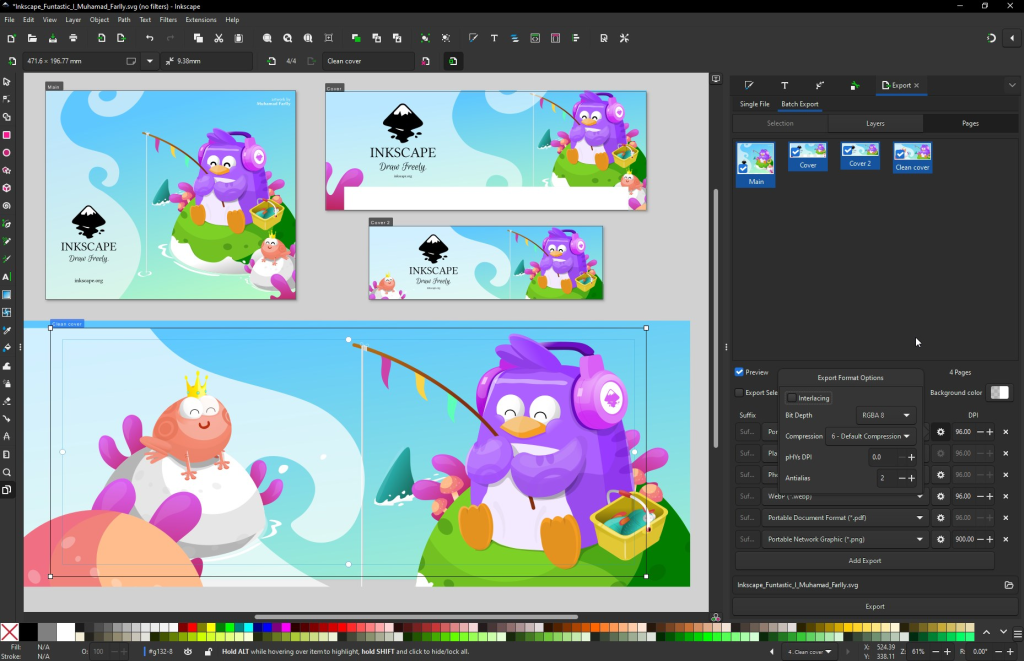
You can use Adobe Illustrator Or Inkscape to build an SVG
To read more about SVG checkout the amazing guide from https://developer.mozilla.org/en-US/docs/Web/SVG