
Scalable Vector Graphics (SVG) define visual imagery using XML markup. Because vector documents describe shapes through mathematical coordinates rather than fixed pixel grids, modern web browsers scale them cleanly to any display density without distortion. Even so, SVG files exported from design programs such as Figma, Adobe Illustrator, Inkscape, and Sketch carry unnecessary digital overhead. Export engines add proprietary editor metadata, layer coordinates, unreferenced definitions, nested container groups, and excessive numerical precision that bloat file size without contributing to visual fidelity.
Why Raw SVG Files Carry Substantial Bloat
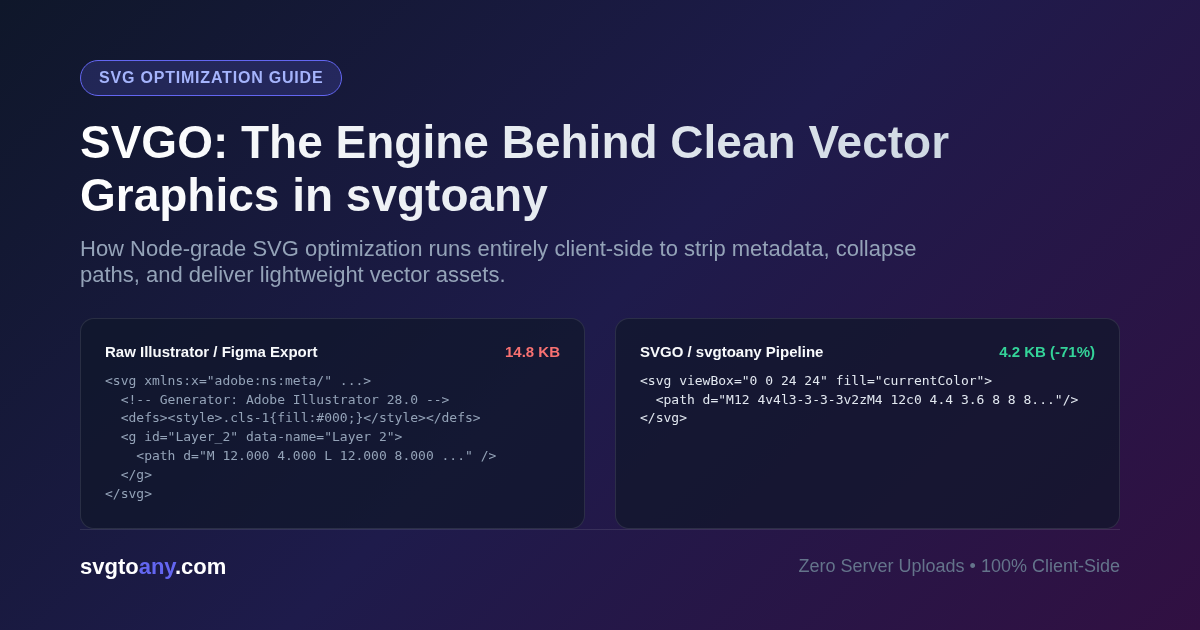
When an artist draws a vector shape in Adobe Illustrator and saves the artwork as an SVG, the editor preserves internal application state. The exported file includes proprietary namespace tags, editing metadata, color swatches, and comments identifying software versions. For example, a simple interface icon consisting of two paths often ships with dozens of lines of Adobe or Inkscape namespace declarations, default attributes, and empty grouping wrappers.
Coordinate precision creates another major source of code inflation. Vector editors routinely export path coordinates with eight or ten decimal points, such as d="M12.38491823 4.19284729". On standard computer monitors and mobile screens, differences beyond two or three decimal places represent fractions of a pixel that physical screens cannot display and the human eye cannot see. Retaining these extra digits throughout thousands of curve commands enlarges file transfers, delays network delivery over mobile connections, and consumes extra memory while the browser constructs the DOM tree.
How the SVGO Library Works
SVGO (SVG Optimizer) is an open-source Node.js library built specifically to clean and compress vector graphics. SVGO operates as an AST compiler. It parses incoming SVG markup into an Abstract Syntax Tree, runs a configurable pipeline of plugin transformations across the node structure, and serializes the modified tree back into compact XML.
During these passes, SVGO handles multiple discrete optimization tasks:
- It strips doctype headers, XML processing instructions, comments, and proprietary editor metadata.
- It identifies and removes unused gradient tags, empty container elements, and unreferenced definitions inside
defsblocks. - It simplifies drawing commands by converting absolute coordinates into relative values, merging consecutive curve segments, and eliminating trailing zeros.
- It limits floating-point numbers to a set precision threshold, reducing coordinate string length without altering geometry.
- It drops default attribute values, consolidates inline styles, and shortens hexadecimal color codes.
SVGO bundles these operations into a standard preset named preset-default. It also supports multipass execution, repeating optimization passes until the file reaches minimum byte size.
Bridging the Gap Between Build Tools and Web Interfaces
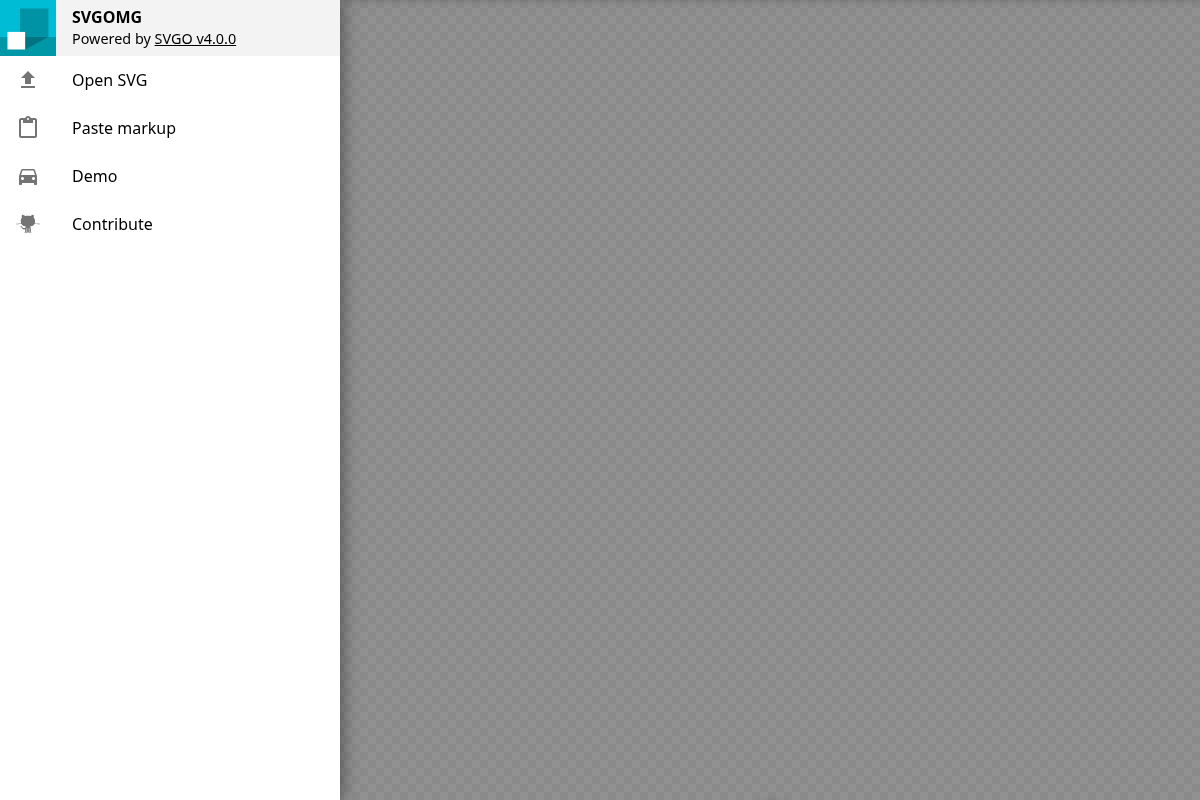
Historically, developers used SVGO as a command-line tool or integrated it into build pipelines through bundler plugins for Webpack, Rollup, and Vite. To give designers and front-end developers interactive access without installing Node.js, Jake Archibald created SVGOMG, a browser GUI for SVGO. SVGOMG demonstrated that vector optimization could run entirely on the client side.
Even so, standalone minification is only one step in modern web workflows. Modern teams frequently need to turn vector assets into TypeScript React components, Vue single-file components, CSS sprite sheets, or rasterized PNG and WebP assets. Moving between separate command-line utilities, web minifiers, and image conversion tools adds friction to routine development work.
Using SVGO Inside the svgtoany Platform
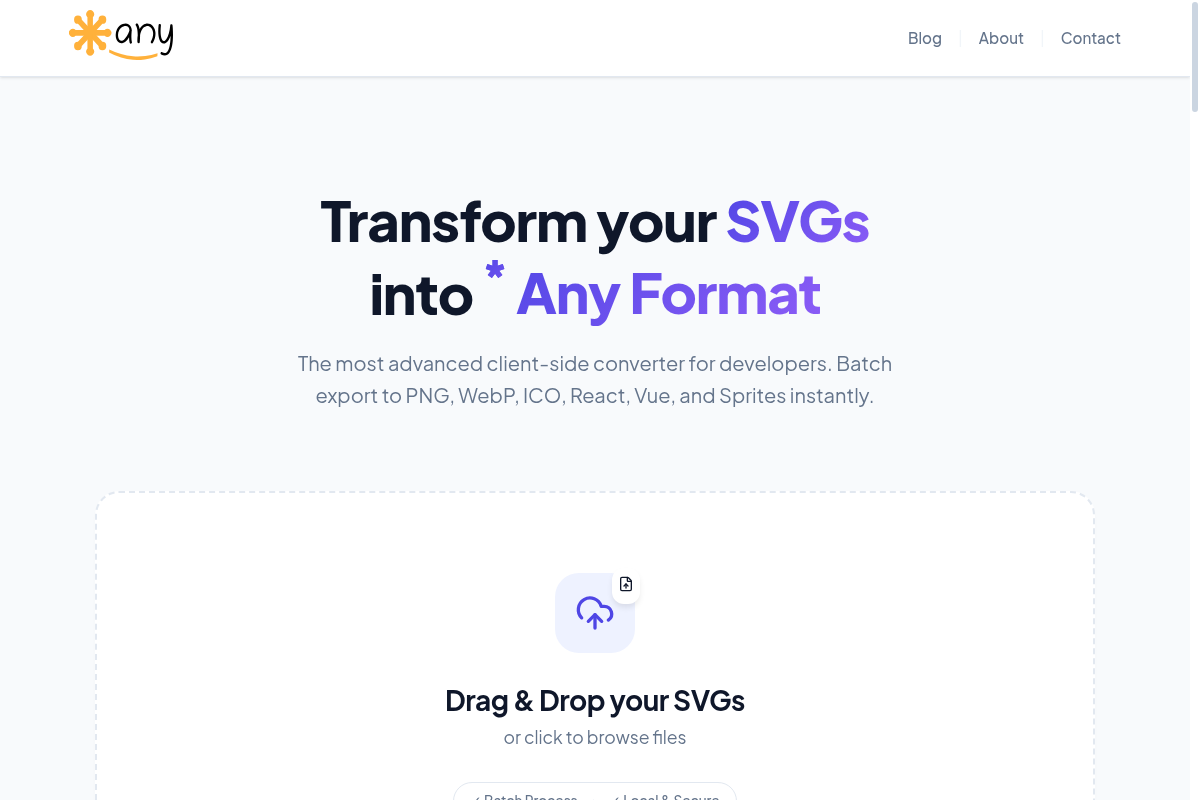
The online tool svgtoany integrates SVGO directly into its client-side conversion engine. By compiling SVGO into a dynamic ES module loaded directly in the browser, the application runs vector optimization locally on your machine without requiring npm installations or terminal commands.
When you drop SVG files into svgtoany, the platform applies a carefully configured SVGO pipeline before initiating format conversions:
- The engine preserves the viewBox attribute by setting removeViewBox to false, ensuring graphics scale responsively across varying container sizes.
- During conversion to React JSX or Vue components, SVGO filters out stray class names to prevent style conflicts with existing site CSS.
- SVGO formats the exported vector code with consistent indentation, making it clean to read in code editors and track in Git repositories.
- Because the optimization process executes entirely inside the browser through client-side JavaScript, vector assets and proprietary artwork never leave your computer.
How to Optimize and Convert SVGs in svgtoany
Running SVGO through svgtoany involves three steps:
Open svgtoany.com in your web browser. Drag your SVG files directly into the upload area, or browse your local file system to select them. The converter handles individual icons as well as batches of dozens of files simultaneously.
Select your desired output format from the control panel. If you need clean vector code for direct embedding, pick SVG. If you are developing application interfaces, choose React or Vue components. The platform immediately executes the SVGO engine, stripping useless metadata and reducing path coordinates before generating component code.
Preview the result and download your converted files. For raster needs, you can download transparent PNG, WebP, or ICO files. For web components, copy the clean code straight to your clipboard or download all converted assets in a single ZIP package.
Practical Optimization Guidelines
Keep your original source files in Figma or Illustrator as an uncompressed master archive. SVGO permanently discards editor guides, layer names, and swatch metadata to reduce byte count. Making structural adjustments to artwork is much easier in original design files than in minified vector markup.
After optimizing files with complex gradients, blend modes, or nested masks, check the rendered output in a browser preview. While geometric icons optimize seamlessly, complex illustrations with delicate clipping paths can occasionally show visual artifacts if coordinate rounding is too aggressive. Testing assets within svgtoany before deploying them ensures your web graphics stay lightweight and visually sharp.